No. Actual Earnings CSVs can only be created and downloaded for specific date ranges.
To create an Actual Earnings CSV for a specific date range, select a date range from the drop-down menu and click  .
.
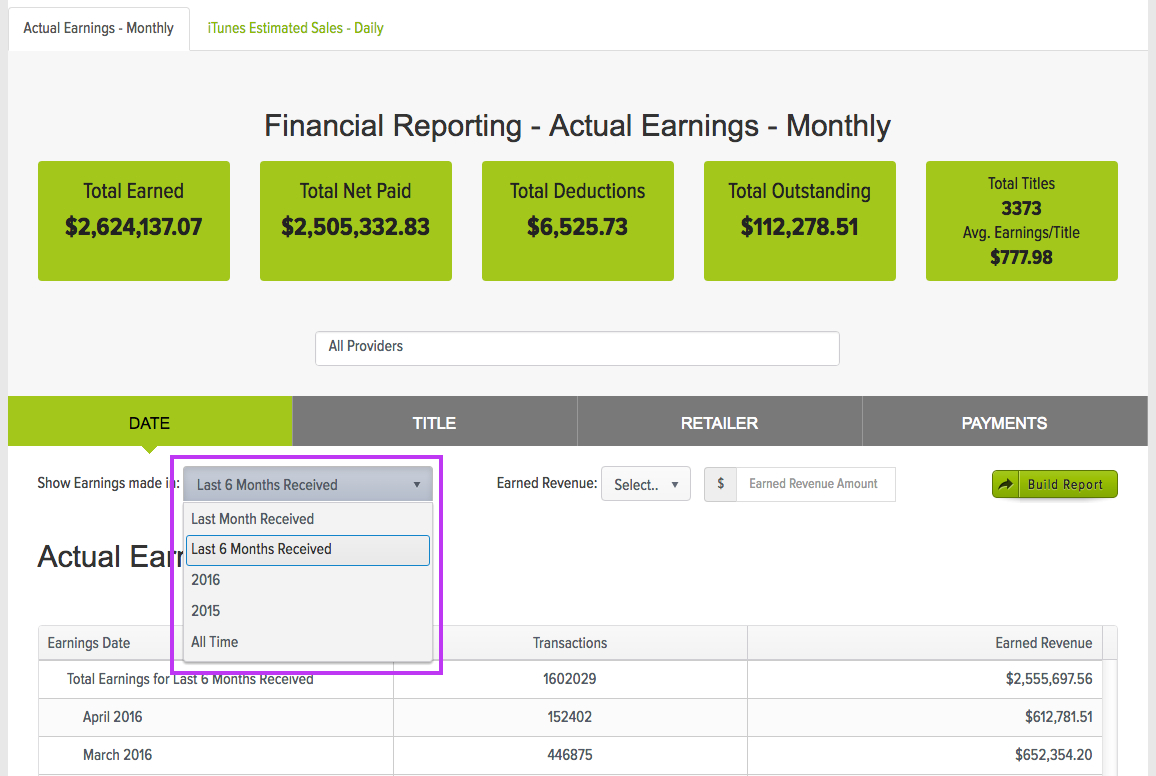
Next, click  .
.
An excel spreadsheet will then download to your local computer with the following information:
- Payment Month
- Retailer
- Title
- Vendor ID
- # of Transactions
- Total Earnings